




Do you work with Illustrator? How many versions do you remember? What features were available in which version?
Adobe Illustrator is a software application for creating and modifying scalable vector graphics. Adobe Illustrator was released in January 1987 as a vector graphics editor for the Apple Macintosh paired with the LaserWriter printer. Adobe created Illustrator to use the PostScript language for smooth, scalable geometric curves. Early versions introduced the Bézier pen tool, letting designers draw precise paths that were scalable.
|
|
|
|
Adobe Illustrator 2025 version 29 (2024-10)August 2025, version 29.8: Faster performance, copy Hex values, better Smart Guides snapping with enhanced Snap to Grid and Snap to pixel, Snapping Quick Access panel July 2025, version 29.7: Add or duplicate or rename artboards faster, see the active artboard, apply gradient based on existing fill, recent colors, search preferences, accessibility features June 2025, version 29.6: Generative Expand, performance enhancements, Pencil tool draws in real-time, duplicate shortcut repeats artboard actions, place onto select artboards, rearrange artboards enhancements April 2025, version 29.5: Performance and workflow enhancements, Generative AI enhancements March 2025, version 29.4: Faster menus, Retype panel enhancements, flexible Hex input February 2025, version 29.3: Faster file import, effects processing, and layers panel January 2025, version 29.2: New Document dialog enhancements, Export for Screens supports AI and EPS, distance guides, eyedropper color picker November 2024, version 29.1: Tips and shortcuts in the Help Bar, Gradients/patterns in swatch groups, Create Swatch Info, Object > Ungroup All, Monospaced Full-Width Forms October 2024, version 29.0.1: Objects on Path, Image Trace improvements, Gradient detection, Project Neo (Beta), Mockups improvements, Text to Pattern density level, Generative Shape Fill, Text to Vector Graphic, Reflow Viewer Asian fonts, Scale the artboard and artwork, Create Gradient from Swatches panel, Knife tool with smart guides
|
Adobe Illustrator 2024 version 28 (2023-10)August 2024, version 28.6 security patch: Security patch, contextual Task Bar, language support for Retype, Image Trace panel > Expand, Save custom document presets July 2024, version 28.6: Generative Shape Fill, Text to Pattern, Text to Vector Graphic, Mockup panel, Retype, Faster Pan and Zoom May 2024, version 28.5: Relink missing files automatically, Sort linked files by size , Move Illustrator files between systems seamlessly March 2024, version 28.4: Text to Vector Graphic enhancements; Retype enhancements; improved pan & zoom) February 2024, version 28.3: Dimension tool enhancements; Live Star shape; Retype enhancements; pinnable contextual task bar; enclosing mode for marquee selection; keyboard shortcuts for text formatting (bold, italic, underline) January 2024, version 28.2: Text to Vector Graphic enhancements December, 2023 version 28.1: Measure and plot dimensions with Dimension tool (beta); unembed multiple images; Links panel adds Delete button October 2023, version 28.0: Text to Vector Graphic (beta), Mockup (beta), Retype (beta) converts to live type, The Smooth Slider, Share for Review
|
Adobe Illustrator 2023 version 27 (2022-10)December 2022, version 27.9: Generative Recolor now in 100 languages and commercial use; enhancements to Retype (beta) December 2022, version 27.8: Gather feedback on specific artboards; Experience improved accessibility with VoiceOver (macOS only) December 2022, version 27.17: Search & filter Layers enhancements; screen reader support for toolbar drawer December 2022, version 27.6: Generative AI recoloring (beta); Retype font identification (beta); Image Trace improvements; search & filter Layers; export as WebP; retain hyperlinks in exported PDFs December 2022, version 27.5: Performance improvements to Smart Guides and Live Editing December 2022, version 27.4: Share for Review improvements December 2022, version 27.3: Easier Intertwine selection areas; Image Trace improvements; 3D improvements; Type 1 font EOL; Reuse asset export settings; stability fixes December 2022, version 27.2: Stability bug fixes December 2022, version 27.1: Taper and twist 3D objects, Preview color and opacity realtime, Convert bullets & numbering to text October 2022, version 27.0: Intertwine, Share for Review, Paste between AI and ID, Quick Actions, 3D object formats October 2022, version 2, Illustrator on iPad: Enhanced touch shortcuts, Save and rename a document, Snap-in gradients, Reset appearance shortcut
|
Adobe Illustrator 2022 version 26 (2021-10)August 2022, version 26.5: Warnings for Pantone colors and Type 1 fonts July 2022, version 26.4.1: Bullets and numbers lists, History panel, 3D features May 2022, version 26.3.1: 3D features, AVIF format support Feb & March 2022, version 26.2.1: 3D features October 2021, version 26: Place linked cloud documents, HEIF and WebP support, Share for commenting, Variable width strokes, Auto-activate fonts, Select same text. Discover panel October 2021, version 2, Illustrator on iPad: Blend objects, Vectorize, Shape Transform tool, Paint Brush tool, Share for commenting, Place linked cloud docs, Rulers and guides, Adobe Capture
|
Adobe Illustrator 2021 version 25 (2020-10)June 2021, version 25.3: Rotate view February 2021, version 25.2: Share access and edit Cloud docs, Snap to Japanese glyph, System compatibility report, Stability and performance January 2021, version 25.1: Radial Repeat, Grid Repeat, Mirror Repeat October 2020, version 25.0: Recolor artwork Adobe Sensei, Enhanced Cloud document features, PS embedded in AI in Cloud document, Versions of Cloud documents, Make available offline, Smart glyph snapping, Align to glyph bounds, Align text vertically, Set actual font height
|
|
|
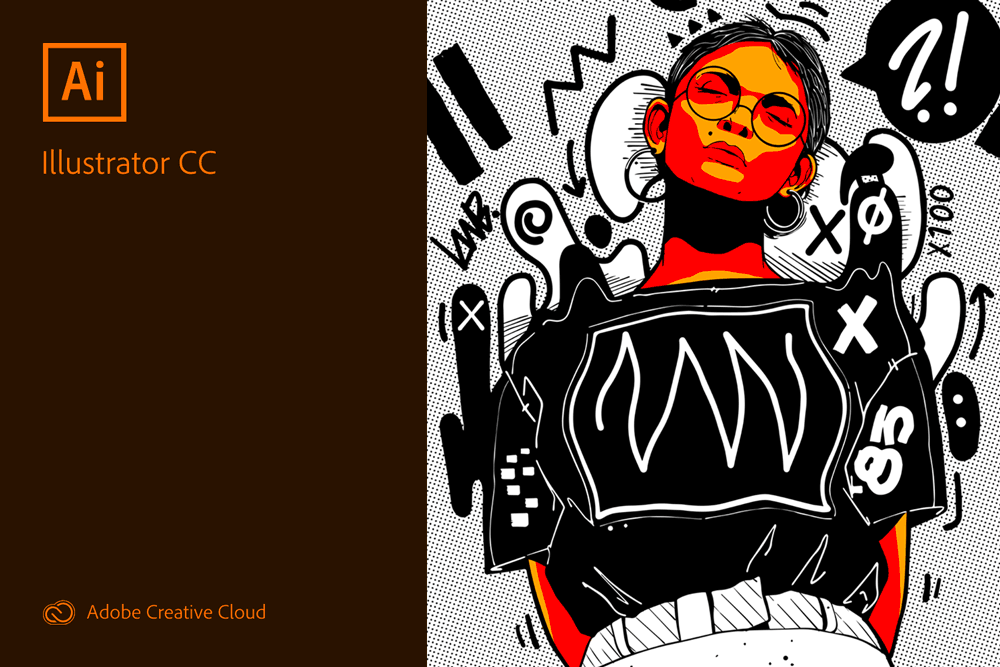
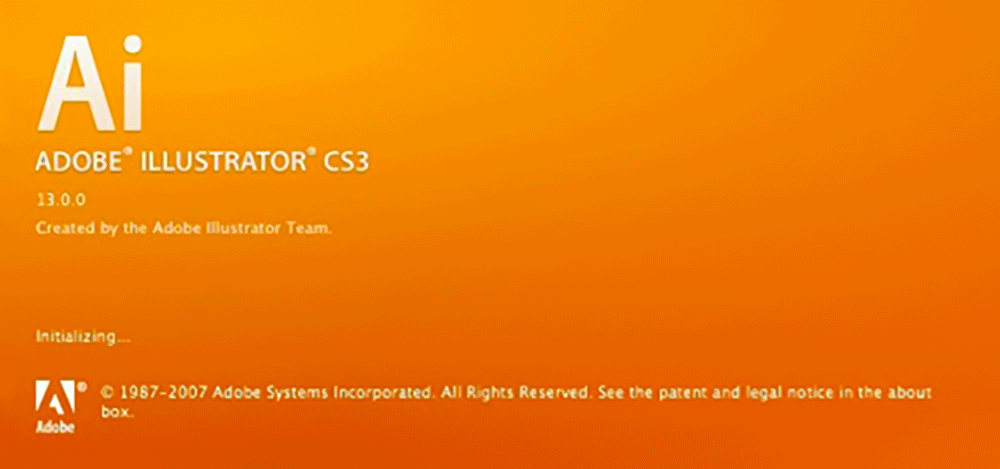
Adobe Illustrator CC 2019 version 23 (2018-10)September 2019, version 23.1: Improved path simplification; faster drop shadow, inner/outer glow, and Gaussian blur effects; improved file save/open on networks and removable media; Performance improvements. February 2019, version 23.0.2: Lock for the New Customizable Toolbar; Rotate dialogue box does have default focus on the rotate input widget; constraint angle with the Shift key to draw linear and radial gradients; stability enhancements. October 2018, version 23.0: Freeform gradients, Global editing, Visual font browsing, Show similar fonts, Show recently added fonts, Fonts classifications, Basic toolbar, Presentation mode, Trim view is preview mode, Scalable user interface, Faster zoom, Content-aware crop, Actual size preview, Puppet warp enhancement, Home screen, Enhanced properties panel, Animated zoom outline mode, License stock images, Asset export panel enhancements
|
Adobe Illustrator CC 2018 version 22 (2017-10)March 2018, version 22.1: Increased anchor point and handle sizes; import multi-page PDF files; support for CSV data source files; live SVG paste; locked items do not move with artboards by default October 2017, version 22.0: Properties panel, Puppet Warp tool, Select multiple artboards, Align & distribute artboards, Variable OpenType fonts: OVAR, OpenType SVG fonts in colors, Touch Bar support, Apply stylistic sets to text, Enhanced export experience, Share text in Creative Cloud Library, Microsoft Surface Dial support, Hover font attributes in Control panel, Improved text caret, Triple-click selects paragraphs, Spot to process color conversion, Action panel scripts preserved, New swatches are now global, New Document dialog improved, Path > Join in different groups
|
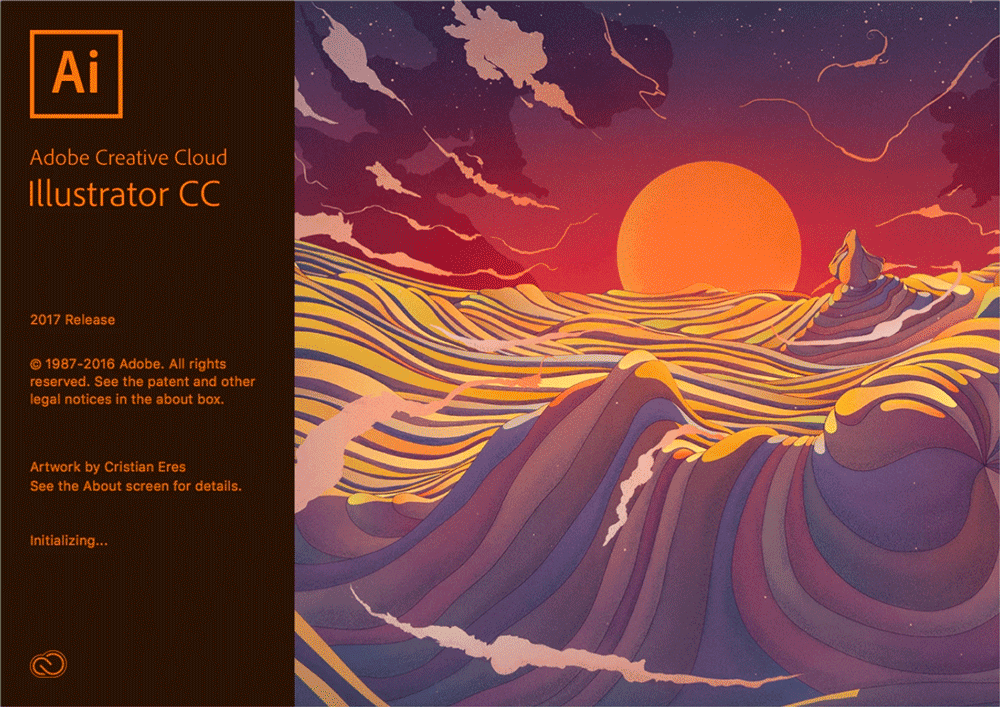
Adobe Illustrator CC 2017 version 21 (2016-11)April 2017, version 21.1: Bitmap cropping added; start screen loads faster; color theme panel redesigned; stability enhancements November 2016, version 21.0: Enhanced user-interface design, Fill with placeholder text, Place text into a shape, Font search filtering, Live font preview, In-context alternate glyphs, Pixel grid alignment, Zoom to selected object, Type menu special characters, Keyboard shortcuts for white spaces, Apply styles with one click, Search Adobe Stock assets, Bug fixes, Stability enhancements, Performance enhancements
|
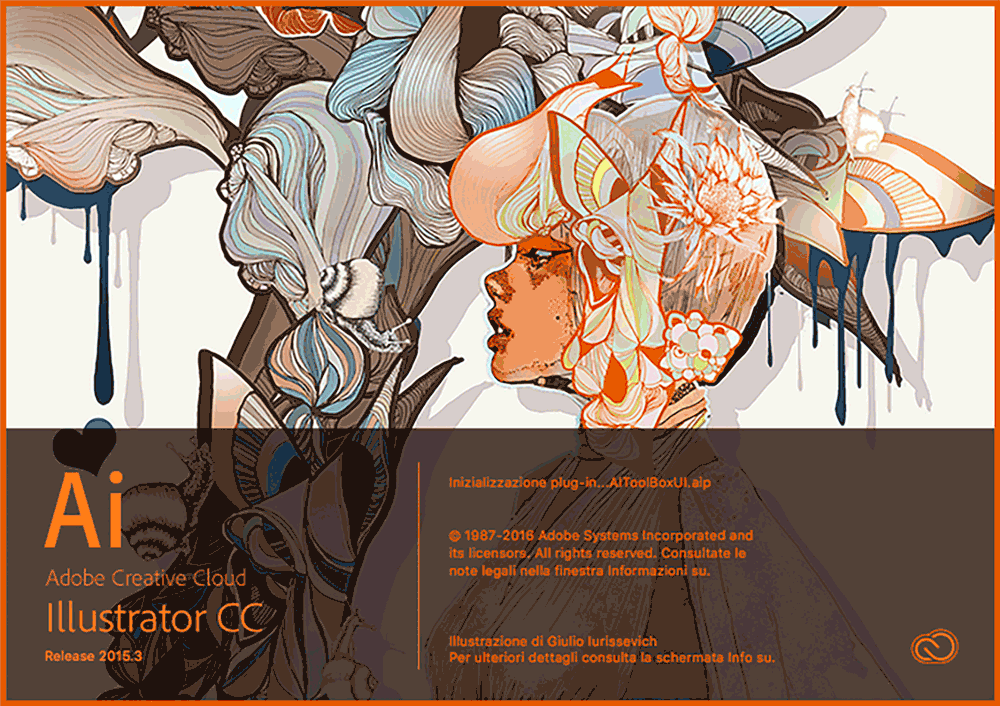
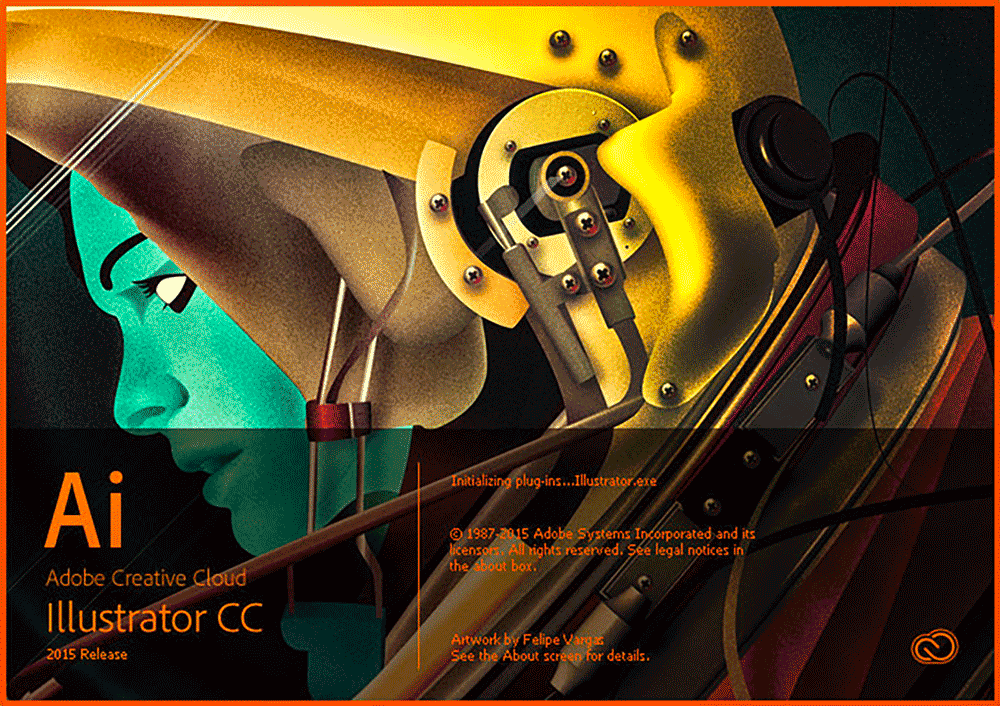
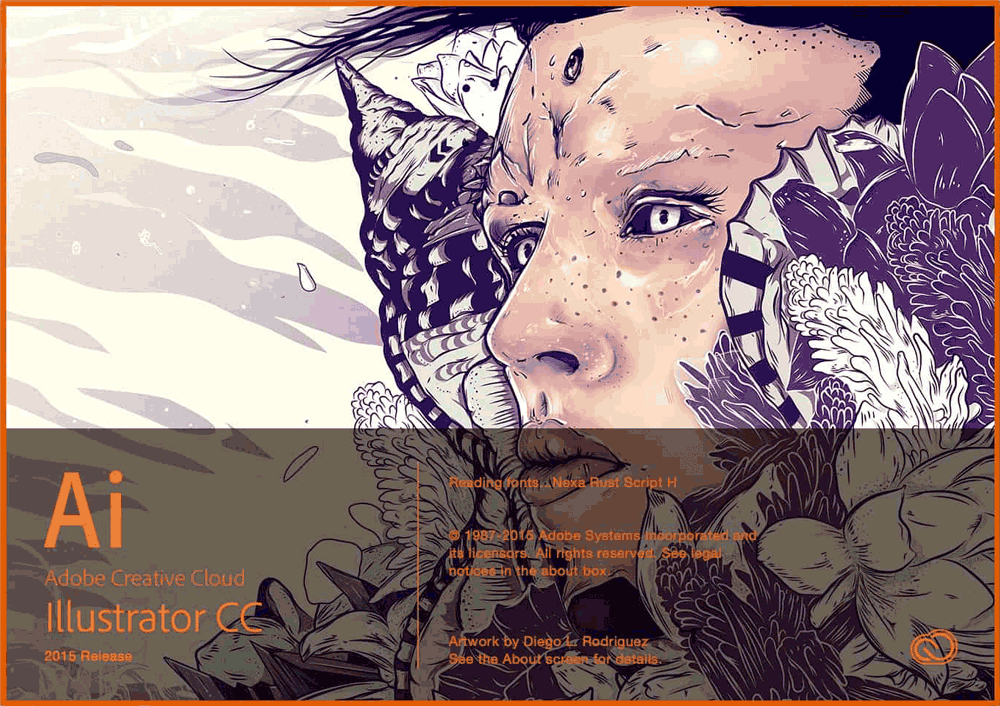
Adobe Illustrator CC 2015 version 20 (2016-06)November 2015, version 19.2: enhanced Smart Guides, CC Charts removed July 2015, version 19.1: Stability fixes June 2015, version 19.0: Enhanced CC Libraries linked assets, Start and Recent Files workspaces, Shaper tool, New Live Shapes, Dynamic Symbols, Smart Guides & hints, New SVG Export options, Touch workspace enhancements, 10x faster zoom, pan, scroll, 10x greater zoom to 64,000%, Safe Mode, Recover data in your files, Curvature tool, Shape Builder tool, Pencil tool auto-close, GPU performance, Adobe Comp CC mobile, Illustrator Draw mobile, Adobe Shape CC mobile, Adobe Brush CC mobile, Adobe Color mobile, CC Charts preview
|
Adobe Illustrator CC 2015 version 20 (2016-06)Another splashscreen
|
Adobe Illustrator CC 2015 version 19 (2015-06)Another splashscreen
|
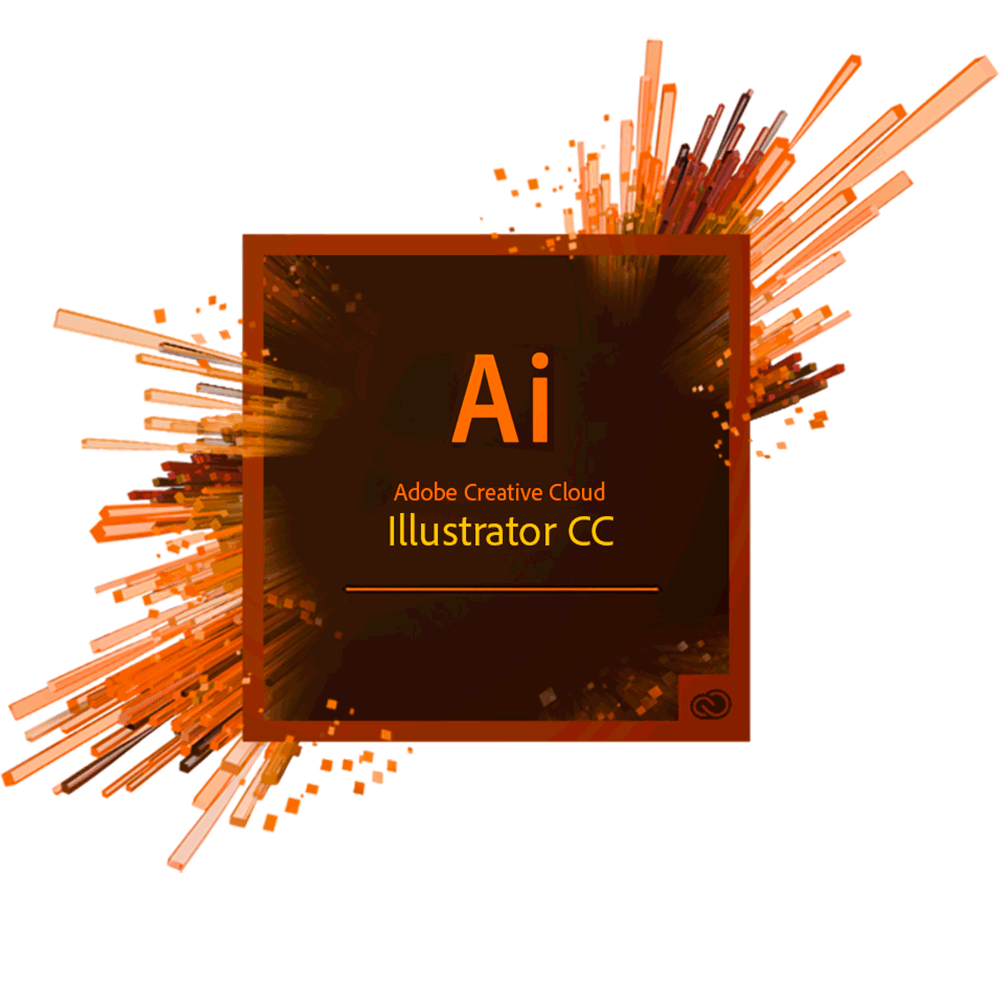
Adobe Illustrator CC 2014 version 18 (2014-06)October 2014, version 18.1: CC Libraries, Touch Workspace, Curvature tool, Join tool, auto type area resizing June 2014, version 18.0: Collaboration: CC Libraries panel, Curvature tool, Join tool, Area Type auto-sizing, Live shapes modifiable, Pen tool preview, Anchor point enhancements, Snapping updates, Close paths with better control, GPU performance (Windows), Typekit, Welcome screen, Pencil tool fidelity setting, Text enhancements, Actions panel, SVG enhancements
|
Adobe Illustrator CC 2014 version 18 (2014-06)Another splashscreen
|
Adobe Illustrator CC 2013 version 17 (2013-06)January 2014, version 17.1: Live Corners, updated pencil, path reshaping, Typekit integration, custom tool panels June 2013, version 17.0: Live Corners, Enhanced Pencil Tool, Reshape segment workflows,Working with Typekit fonts, Perspective Grid, Windows support HiDPI, Pen-pressure support, Custom Tools Panels, Share settings and preferences, SVG workflow enhancements, What’s New dialog, Fill & Stroke proxy enhancements, Opt/Alt resize artboard from center, Esc key cancels zoom, ruler, guide, etc., Place command Cmd+Shift+P, Layers panel state tracking, Layers panel cursor enhancements, Transparency panel scrubby opacity
|
|
|
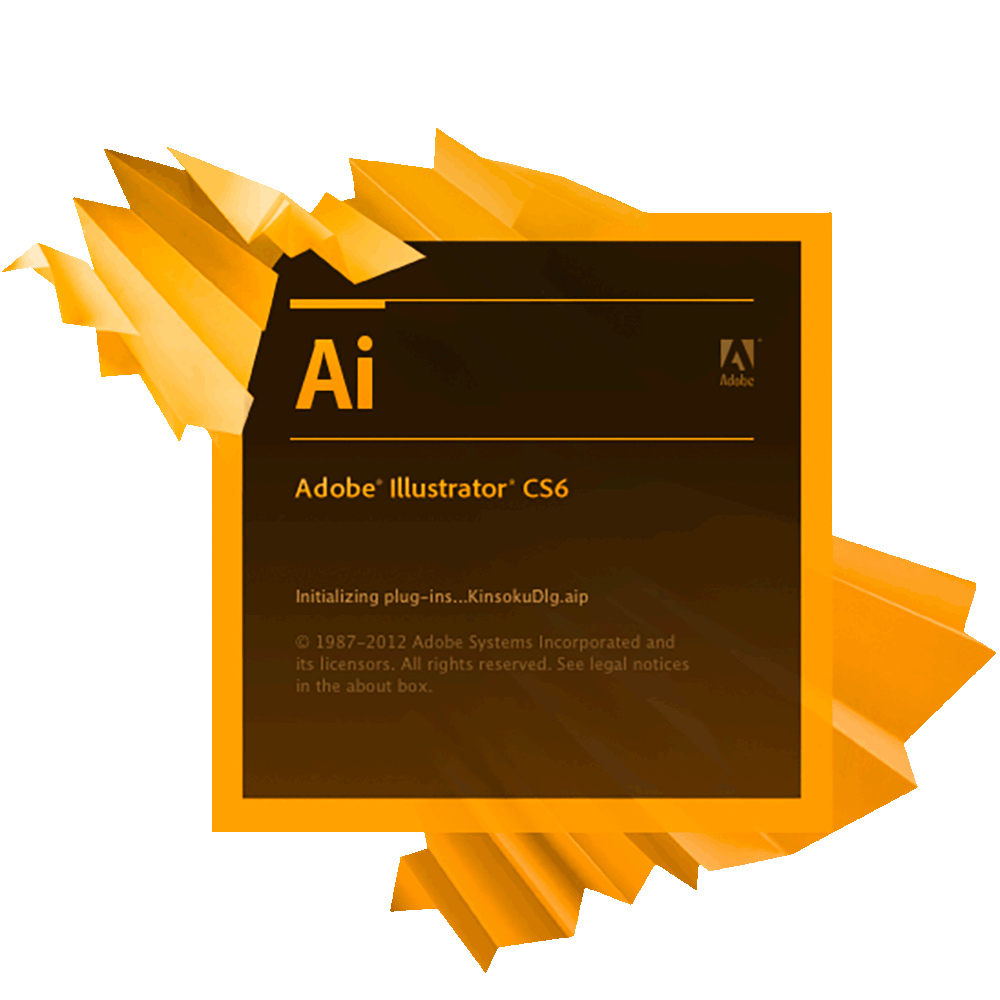
Adobe Illustrator CS6 2012 version 16 (2012-05) codename ElloraMay 2012, version 16.0: Mercury Performance System 64-bit app, Pattern creation generator, New Image Trace engine, Streamlined interface, Gradients on strokes, Expanded color spectrum panel, Scale strokes and effects on the transform panel, Tools tear-off and dock both vertically and horizontally, Inline editing in panels, Faster Gaussian blur, Type panel improvements, Workspace with rooms concept . Control panel is more efficient, Photoshop layer comp support, Transparency panel highlight
|
|
|
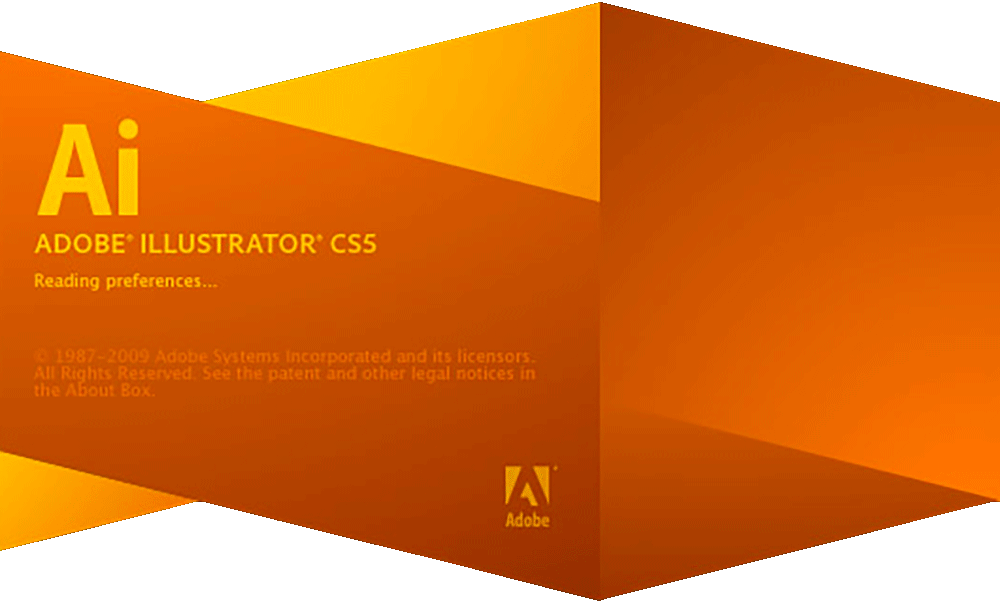
Adobe Illustrator CS5 2010 version 15 (2010-05) codename AjantaMay 2010, version 15.0: Perspective grid drawing, beautiful strokes, including variable width strokes; dashed-line adjustments; precise arrowheads; stretch control for brushes; corner control for brushes, Bristle brush vectors resemble natural brush strokes, Pixel grid aligned artwork for small mobile screens, Multiple artboards panel enhancements, Path join Cmd+J or Cmd+Opt+Shift+J enhancement, Round-trip editing with Flash Catalyst, Resolution-independent effects, Draw behind and inside shapes, Ruler origin in upper left, Symbol enhancements, Shape builder tool, Select behind
|
|
|
|
|
|
|
|
|
|
|
|
|
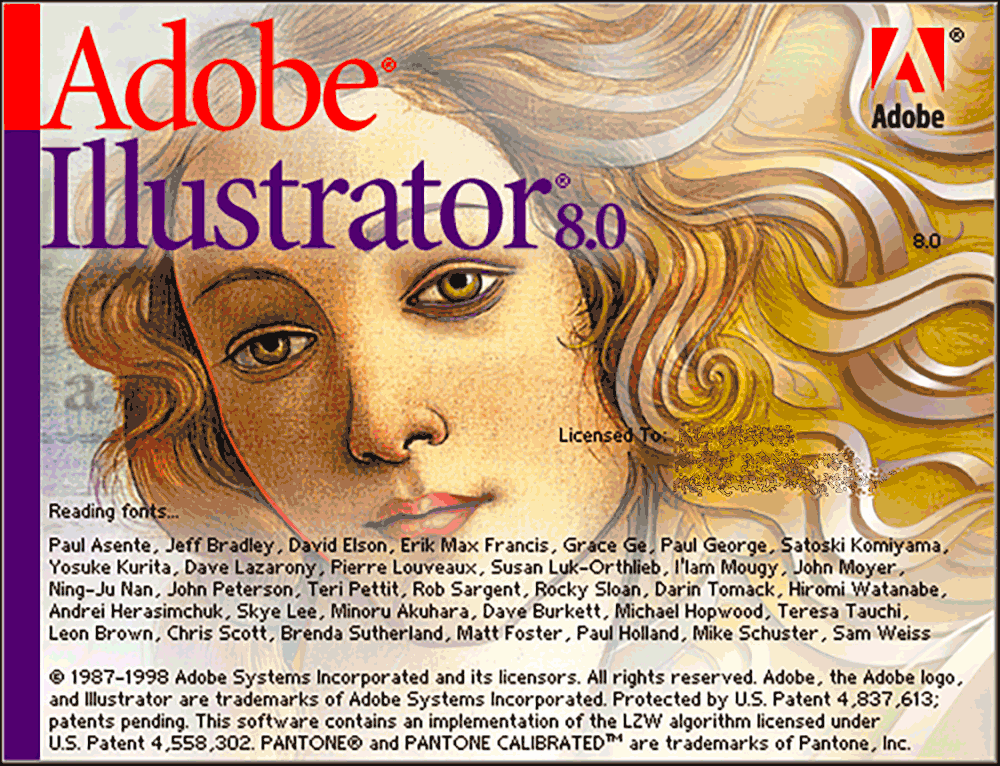
Adobe Illustrator version 8 (1998-09) codename ElvisSeptember 1998, version 8: File format import/export support, Actions palette, Scatter brushes, Calligraphy brushes, Pattern brushes, Pencil tool, Links palette, Gradient Mesh tool, Object bounding box, Enhanced eyedropper, Enhanced paint bucket, Smooth and erase tools, Smart guides, Photo cross-hatched filter, Interface improvements, Preview vs Artwork mode, Navigator palette
|
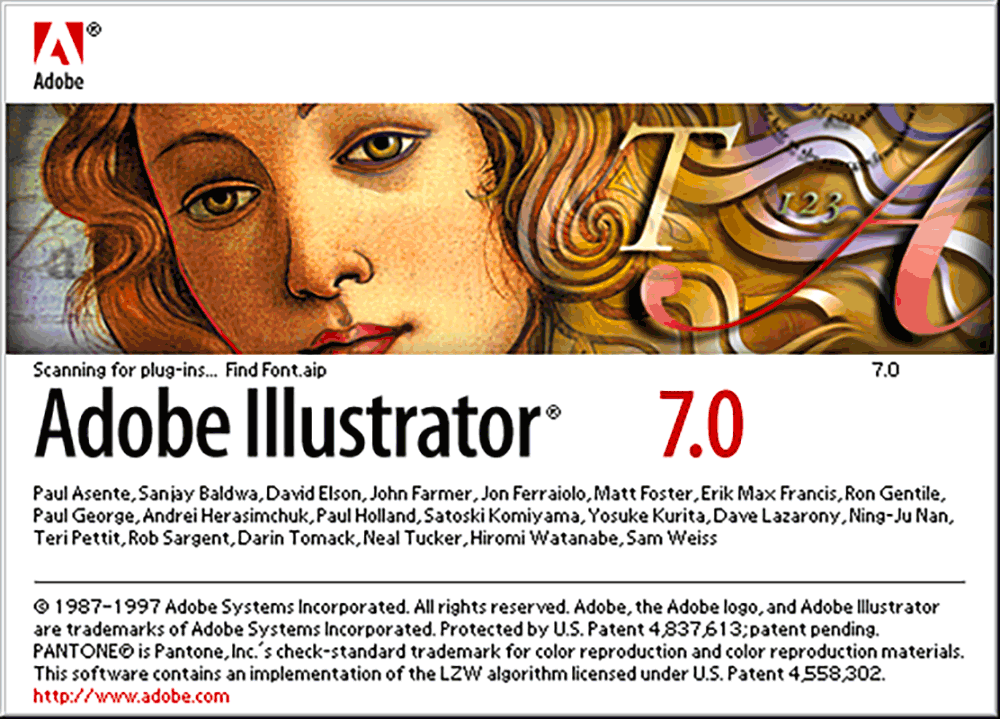
Adobe Illustrator version 7 (1997-05) codename SimbaMay 1997, version 7: Adobe UI, Tabbed and Dockable Palettes, Transform Palette, Align Palette, Photoshop Pixel Filters, Rasterize, Punk, Bloat, Free Distort, Layout Grid, Vertical Type Tools, JCK support, Multiple Masters Instance Creation, Smooth Shading Gradient Blends, Linked Images, RGB color support, ICC Color Management, Separations Preview, Web-safe colors, Image Maps, GIF89a export
|
|
Adobe Illustrator version 6 (1996-01) codename PopeyeFebruary 1996, version 6: Includes Adobe Dimensions, Includes Adobe ScreenReady, Includes Adobe Gallery Effects, Drag n drop to Adobe PageMill, New plugin API, Support for Photoshop filters, Filter menu, Ink Pen tool, Path Patterns, Tools palette, Control palette, Align palette, Eyedropper tool, Math in numeric fields, Support for TIFF and PSD files, Export to TIFF, Snapping palettes, Object > Expand, TrueType support
|
Adobe Illustrator version 5.5 (1994-06) codename JanusJune 1994, version 5.5: Mac only, Increased Zoom Range, Improved Text Handling, Multiple Artboards, PostScript Level 2 Support, Color Management Improvements, Enhanced Gradient Tool, Graph creation, Layers, Live editing in preview mode, Spell checker, Find/replace text function
|
Adobe Illustrator version 5 (1993-06) codename SaturnJune 1993, version 5: Mac only, increased Zoom Range, Improved Text Handling, Multiple Artboards, PostScript Level 2 Support, Color Management Improvements, Enhanced Gradient Tool, Graph creation, Layers, Live editing in preview mode, Spell checker, Find/replace text function
|
|
Adobe Illustrator version 4.1 (1993-01) codename KangarooseJanuary 1993, version 4.1: custom Grids, Edit in Preview Mode as well as wireframe view, interface modeled after Photoshop, graph tools, anti-aliased display support, bundled utilities including Adobe Type Manager, Adobe TypeAlign for modifying fonts to fit into custom shapes and along Bezier curves (later superseded by Adobe Type Twister and also later incorporated into Illustrator), and custom Type 1 fonts. There is also a version issued in 1995 that helped make Illustrator 4 run on Windows 95.
|
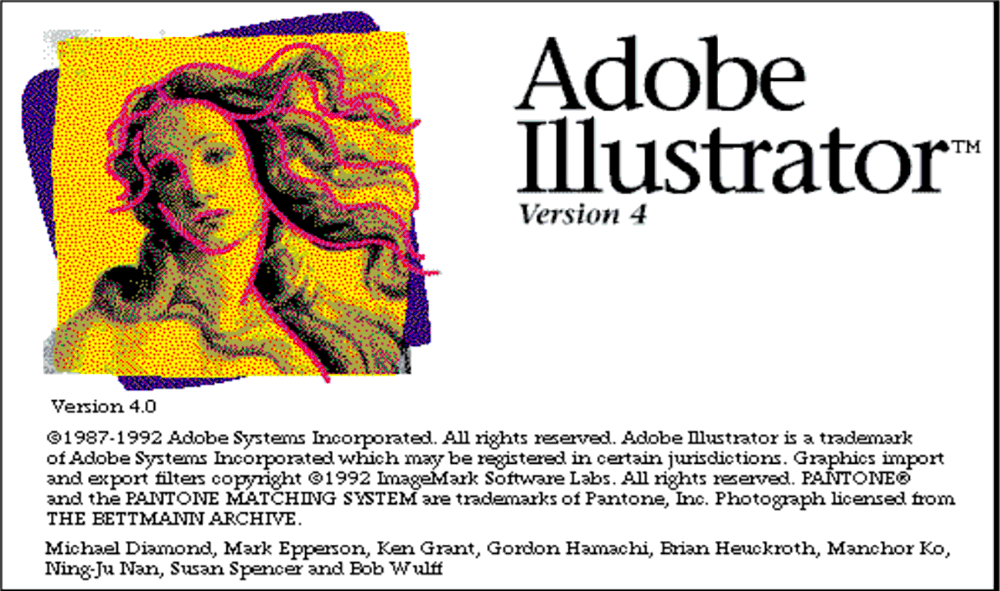
Adobe Illustrator version 4.0 (1992-05) codename Desert MooseMay 1992, version 4: a Windows version, custom Grids, Edit in Preview Mode as well as wireframe view, interface modeled after Photoshop, graph tools, anti-aliased display support, bundled utilities including Adobe Type Manager, Adobe TypeAlign for modifying fonts to fit into custom shapes and along Bezier curves (later superseded by Adobe Type Twister and also later incorporated into Illustrator), and custom Type 1 fonts
|
|
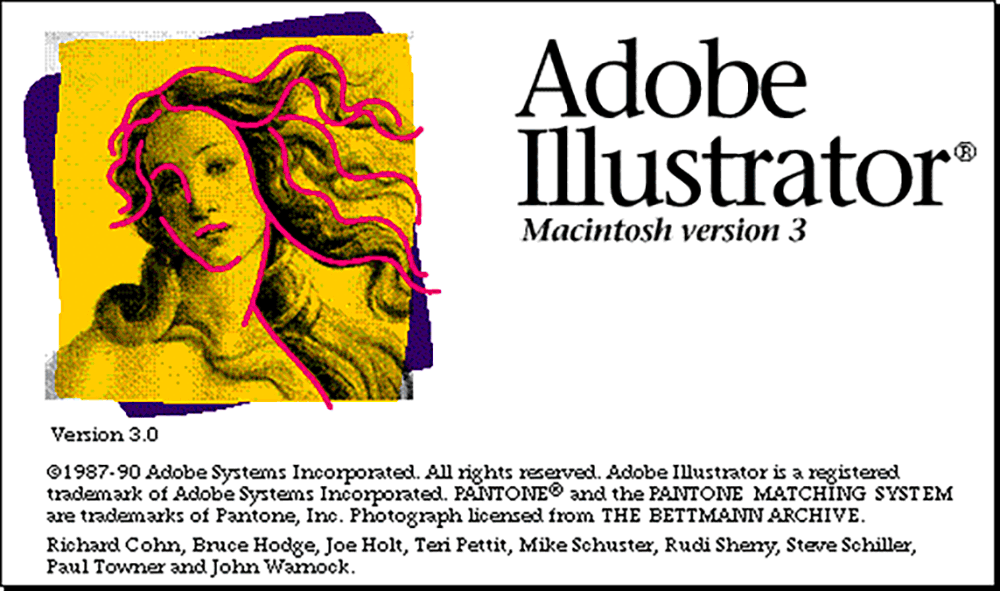
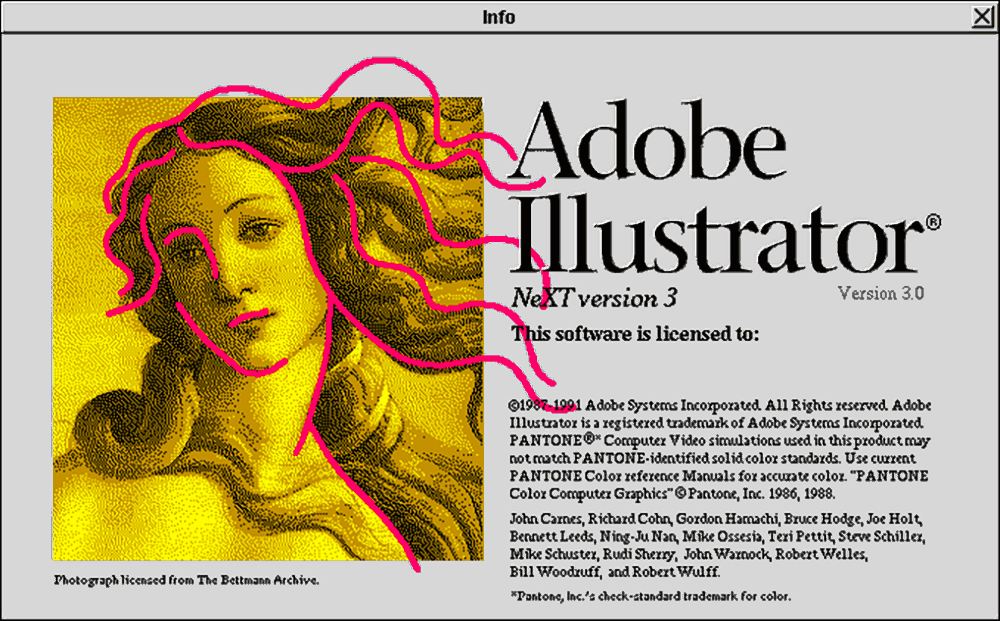
Adobe Illustrator version 3.0 (1990-10) codename PegasusOctober 1990 (version 3.0): This was a Macintosh version. It was also made for NeXT, IRIS, and Solaris operating systems
|
|
Adobe Illustrator version 2 (1989-01) codename PinnacleJanuary 1989 (version 2): A built-in Windows Runtime Environment of Microsoft Windows, the PostScript Vector Engine on PC, the Bézier Pen Tool, the Auto-Trace tool, an Artwork window and a Preview window. No actual splash screen example found.
|
|
Adobe Illustrator version 88 (1988-03)March 1988 (version 1.6): the Blend tool simulated gradient blends, the Auto-Trace tool, access to a full palette of over 700 standard printing inks and full Pantone Matching System (PMS) color profiles, Color Separations via Adobe Separator, custom Pattern Fills, and a freehand drawing tool
|
|
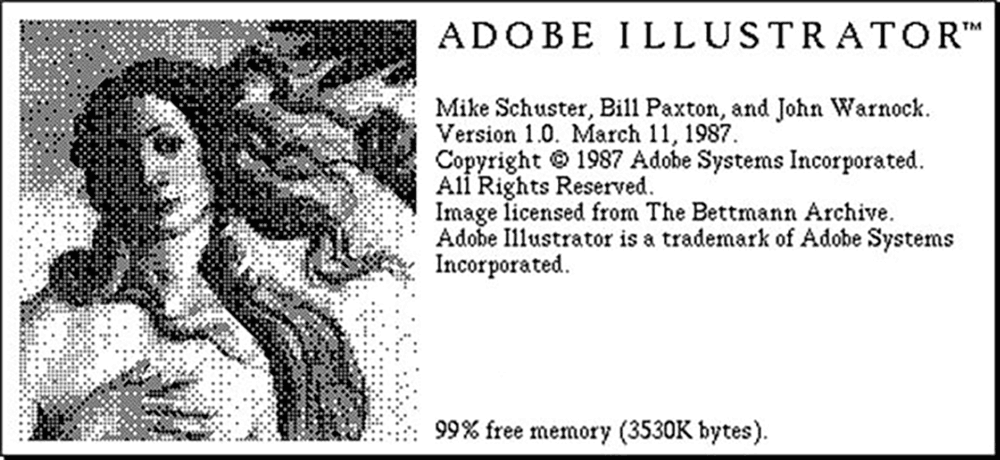
Adobe Illustrator version 1.0 (1987-03) codename PicassoMarch 1987 (version 1.0): the original core features included the Bezier Curve Pen tool, a trace over an image workflow, a split window for drawing artwork versus a Preview window to render the drawing, core tools including the Pen, Scissors, basic shape tools for rectangles and ellipses, and the Hand tool for panning the artboard, integration with PostScript code, along with basic text and font controls
|
|
|
|
|




































Want to learn professional-grade publishing software including Adobe Illustrator? Do you need to know it in-depth? Call us. We have been using and teaching page layout and graphic design software since the beginning.